

Prerequisites
- SambaCloud account and API key
- A Dify account
Setup
Follow the Dify model configuration guide to configure SambaCloud as a model provider in Dify.1
Open Model Provider settings
Go to Settings (or Dify Marketplace) and select Model Providers.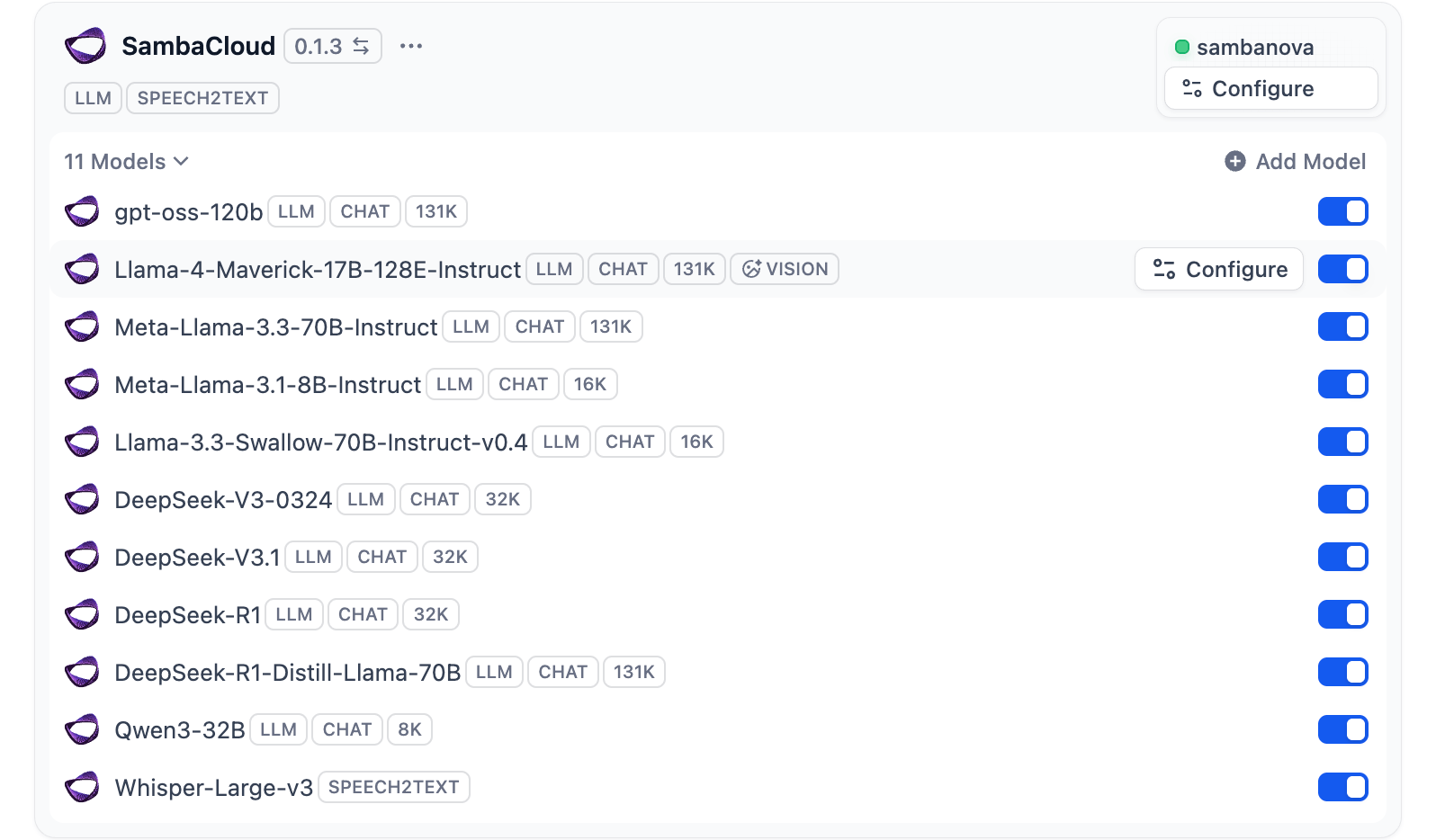
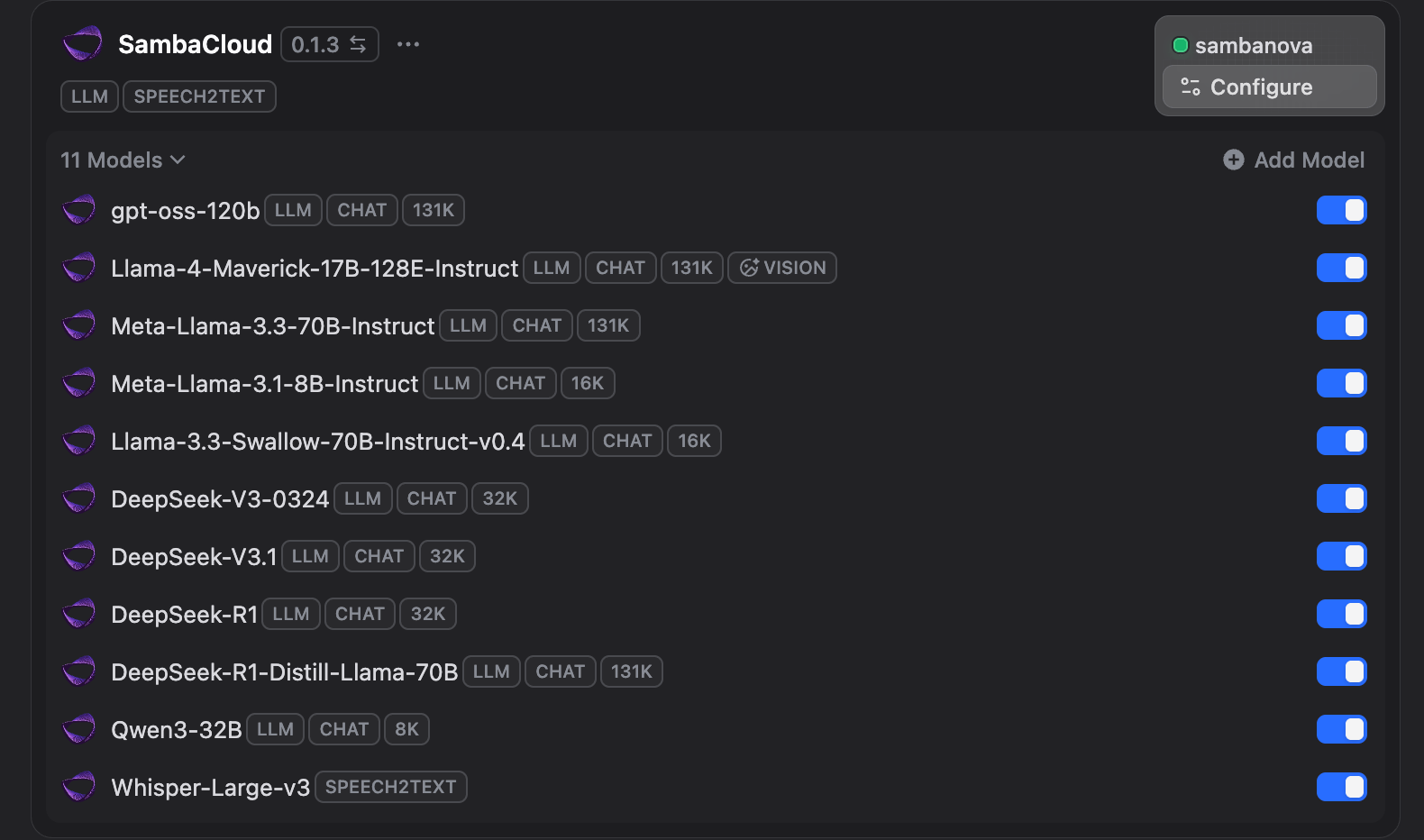
2
Configure SambaCloud
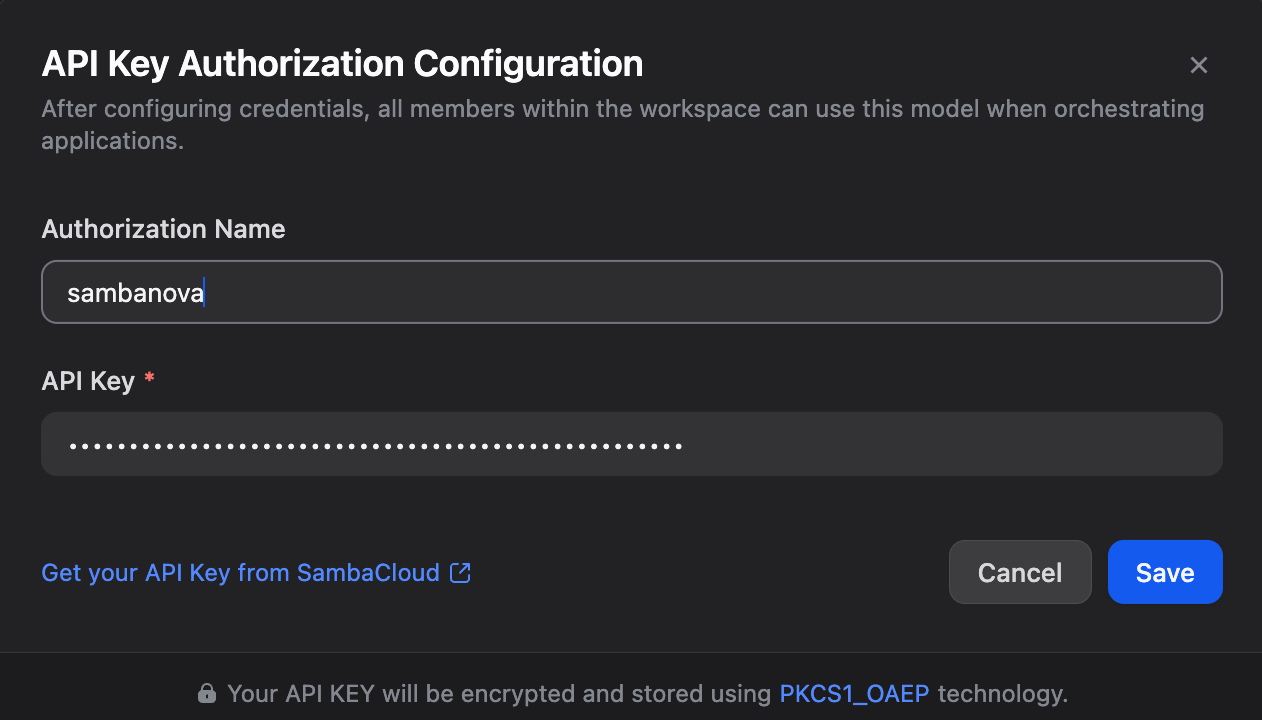
Select SambaCloud from the list of Model Providers, enter your SambaNova API key, and choose your preferred model from the SambaCloud models page.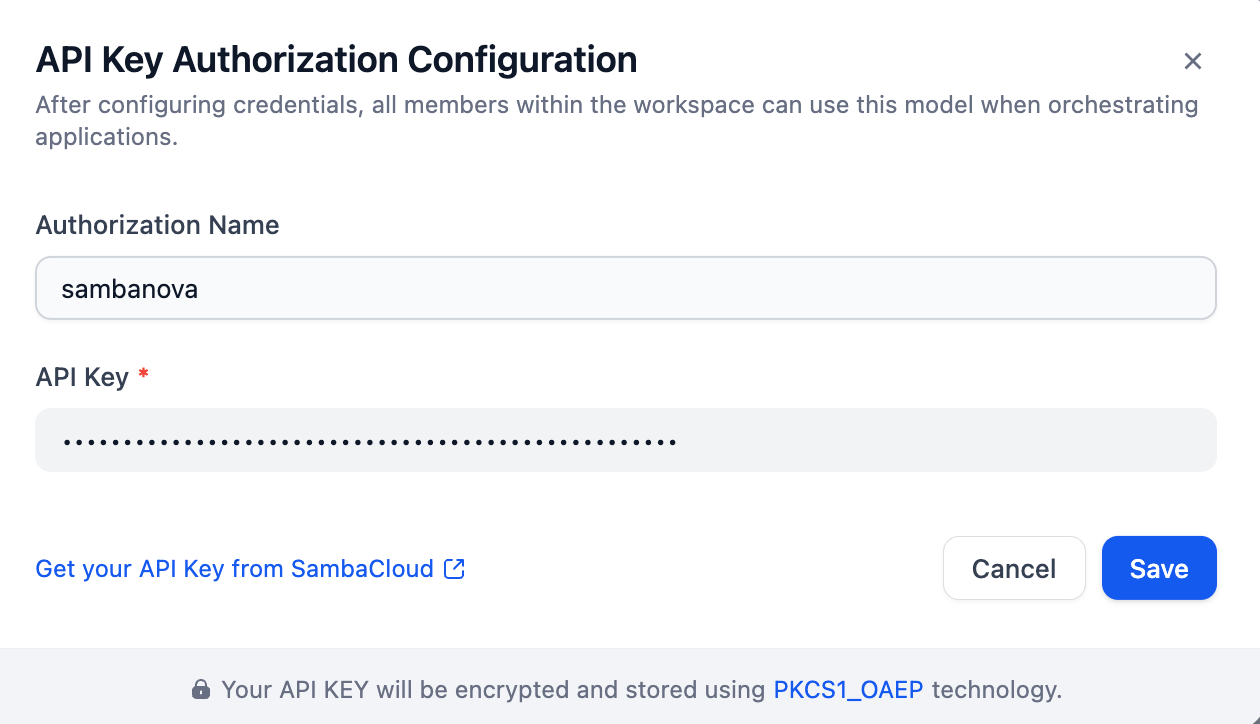
Troubleshooting
SambaCloud not appearing in Model Providers
SambaCloud not appearing in Model Providers
- Ensure you are on a Dify plan that supports custom model providers
- Try refreshing the page or clearing your browser cache
Authentication error
Authentication error
- Verify your API key is correct and active in the SambaCloud portal
- Re-enter the key and save the configuration
Model not available or returning errors
Model not available or returning errors
- Check available models on the SambaCloud models page
- Confirm your SambaCloud account is active