

Prerequisites
- A SambaCloud account and API key
- A Hume AI account and API key
Setup
1
Open the Conversational AI Playground
Go to the Hume AI platform and open the Conversational AI Playground.
2
Select SambaNova as the language model
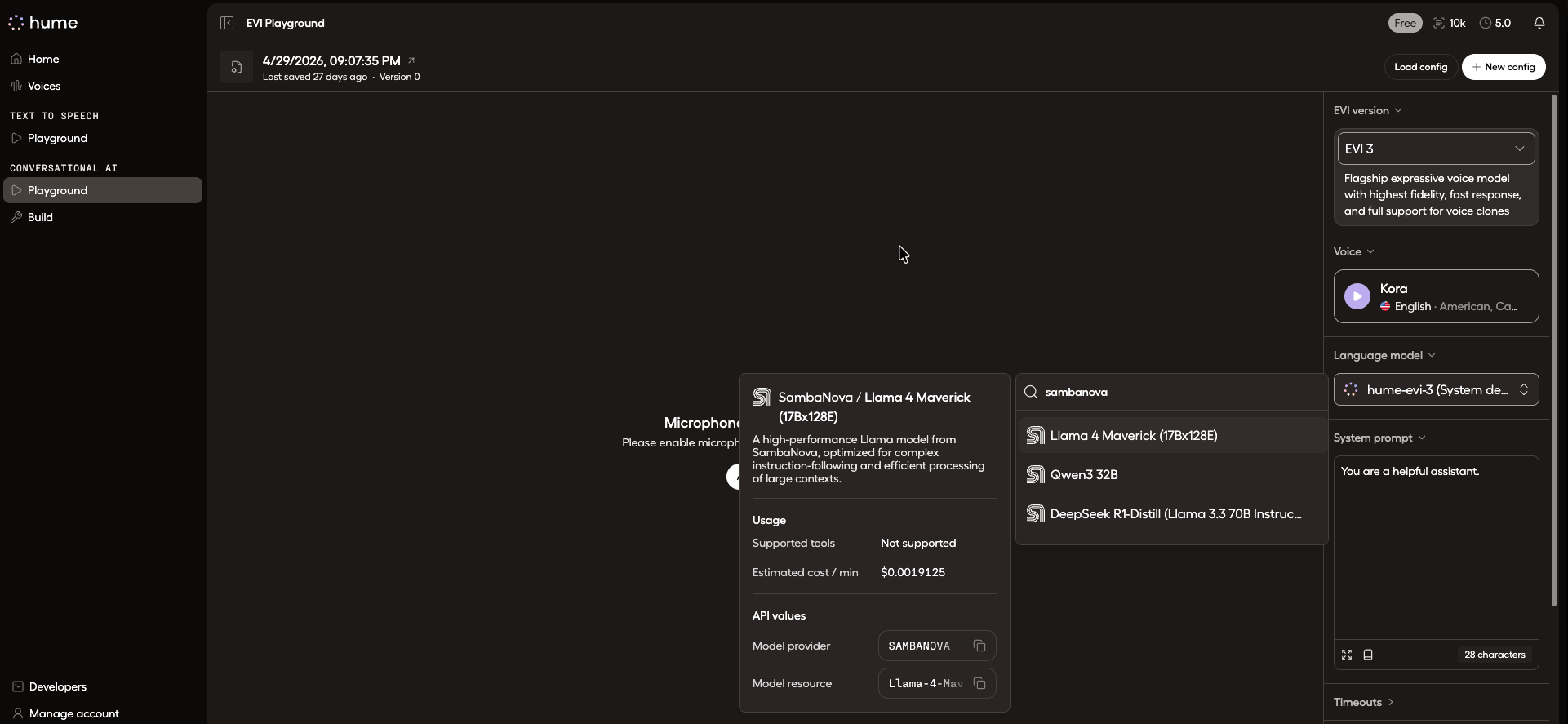
Select SambaNova Language Model and create a system prompt.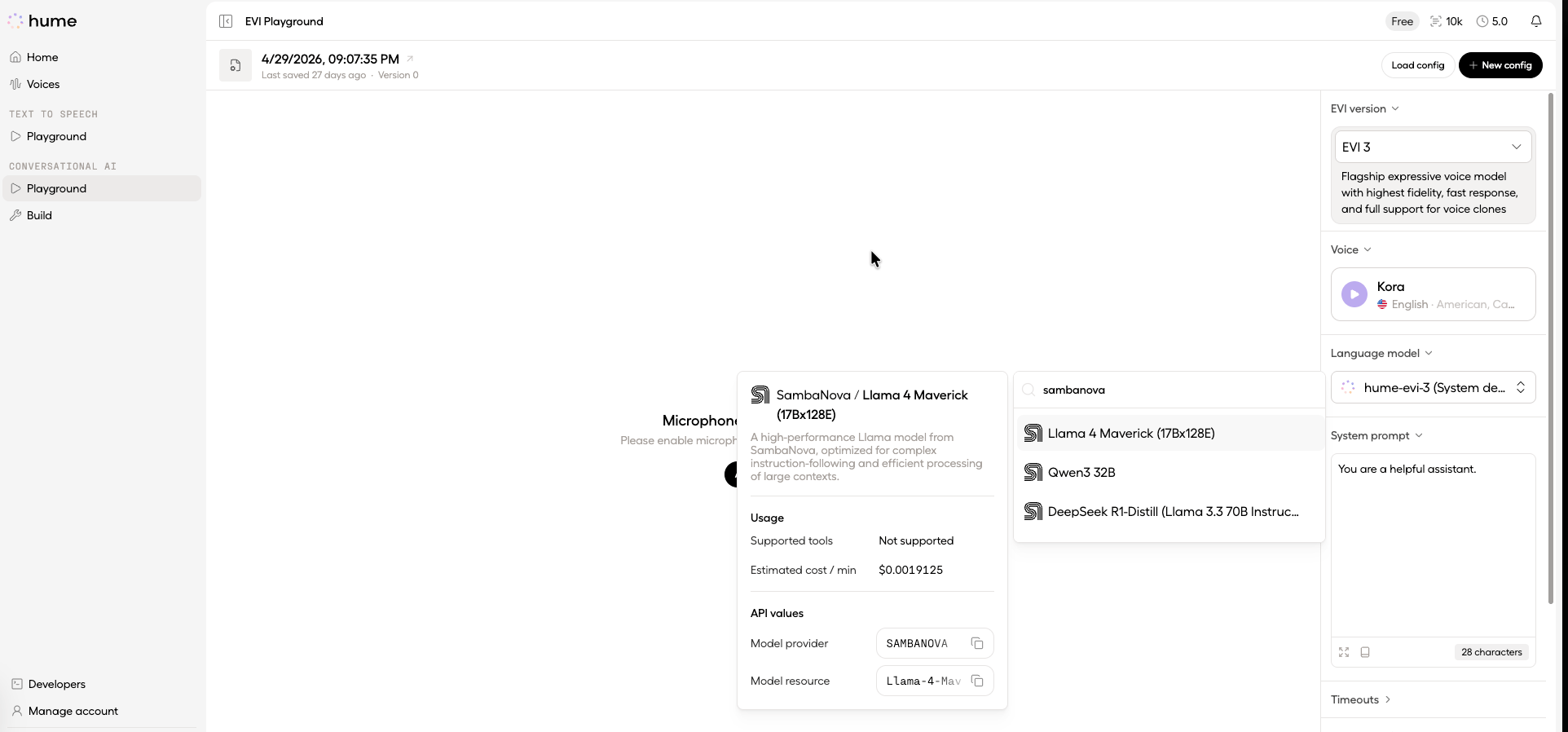
See the full list of available SambaCloud models.
Troubleshooting
SambaNova model not appearing in Hume AI platform
SambaNova model not appearing in Hume AI platform
Verify your SambaNova API key is valid. Get one from SambaCloud. In the Hume AI platform settings, confirm the SambaNova integration is enabled under your language model configuration.
API key errors
API key errors
Ensure your SambaCloud API key has active usage quota. Visit SambaCloud to check your key status and regenerate if needed.