

Prerequisites
- SambaCloud account and API key
- ElevenLabs account
- A SambaCloud model ID (for example,
DeepSeek-V3.1orMeta-Llama-3.3-70B-Instruct). See SambaCloud models for the full list.
Setup
1
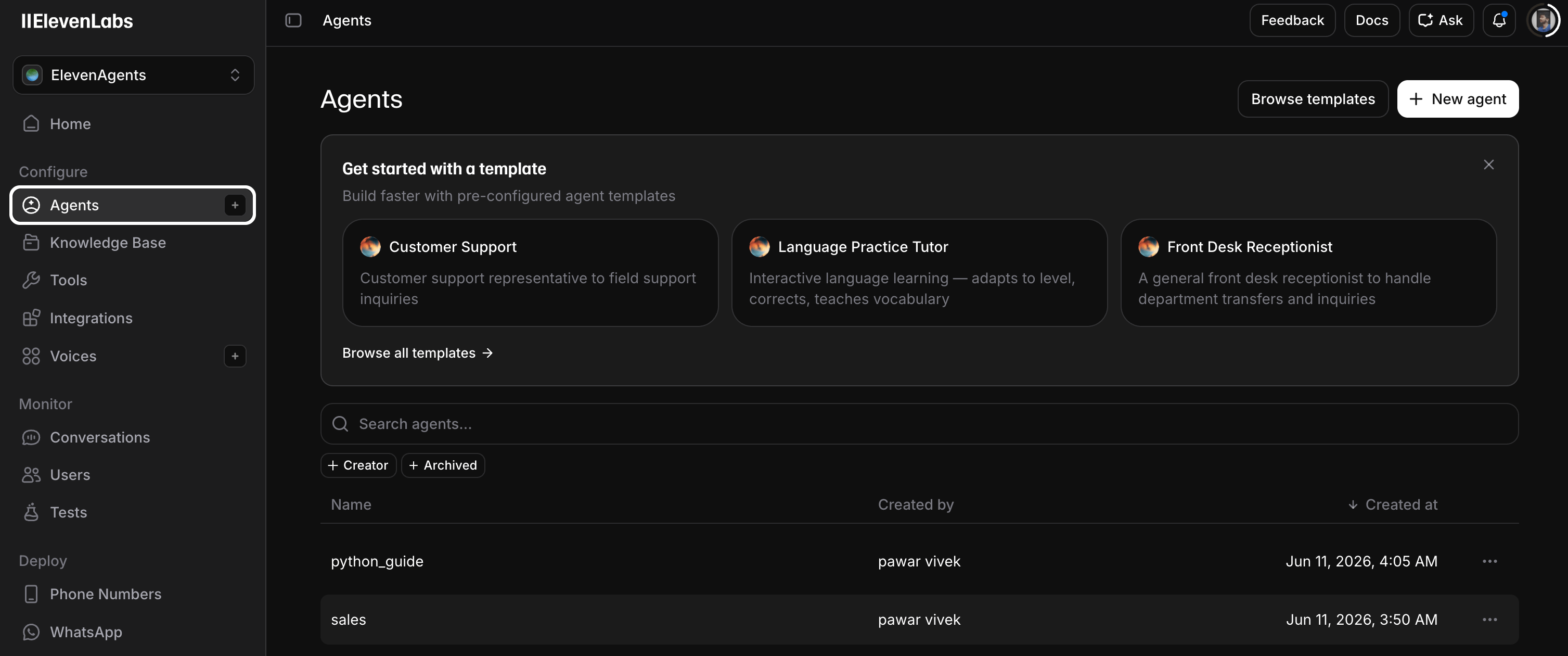
Create a new agent in ElevenLabs
Log in to ElevenLabs, open Agents, and click + New agent.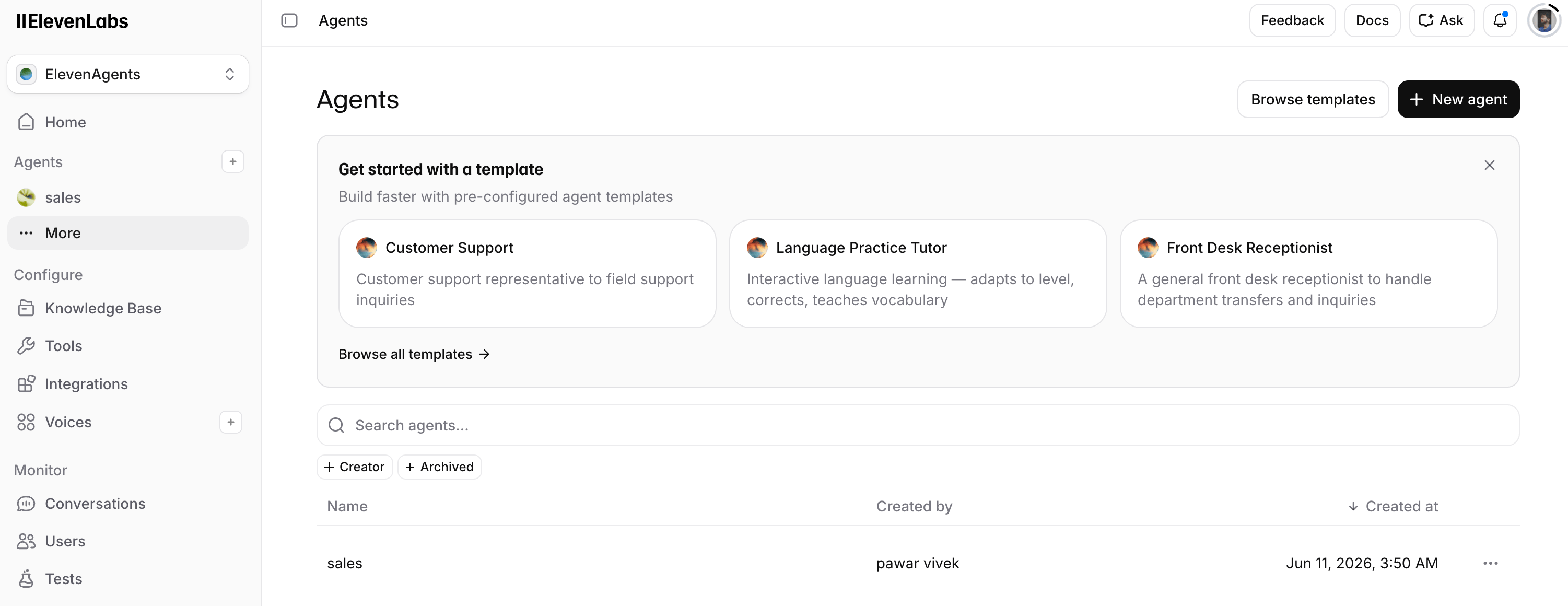
2
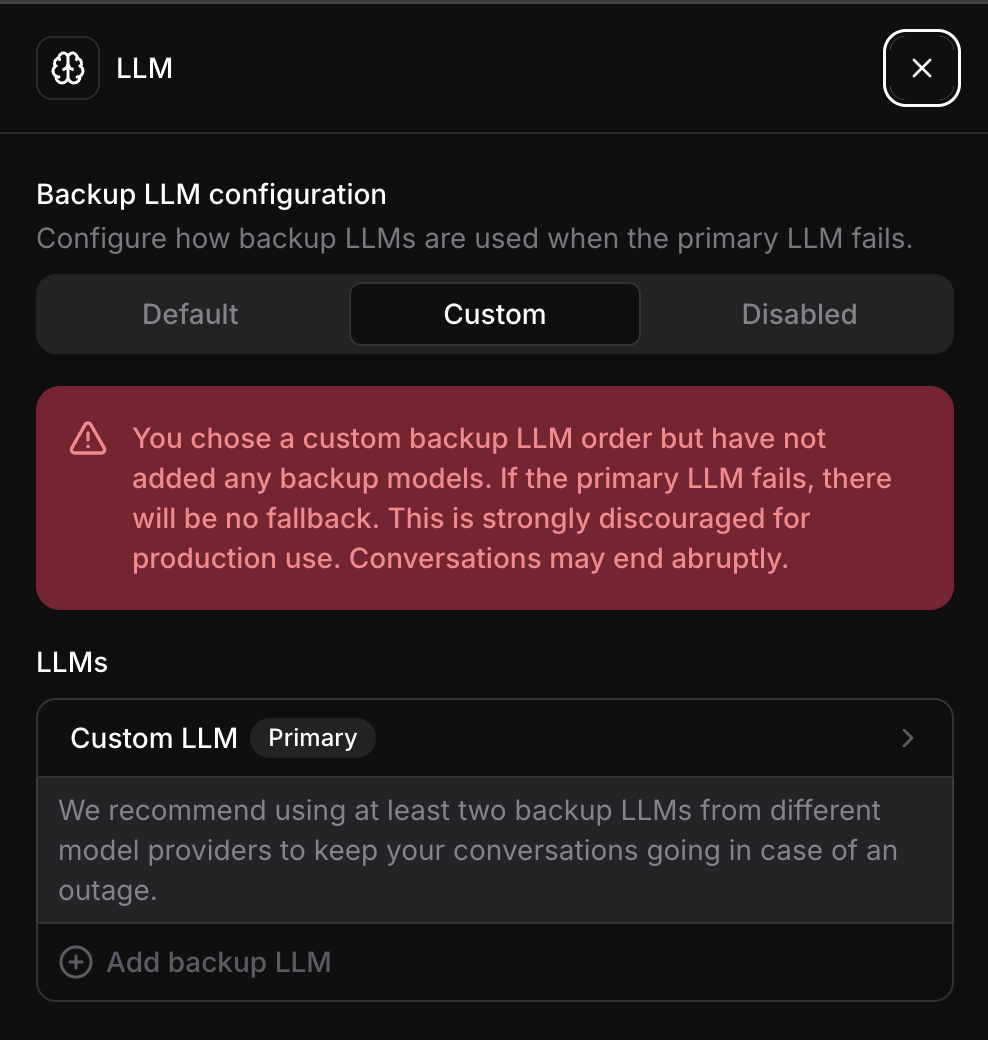
Set the LLM to Custom
Open the agent’s LLM section and switch the configuration to Custom.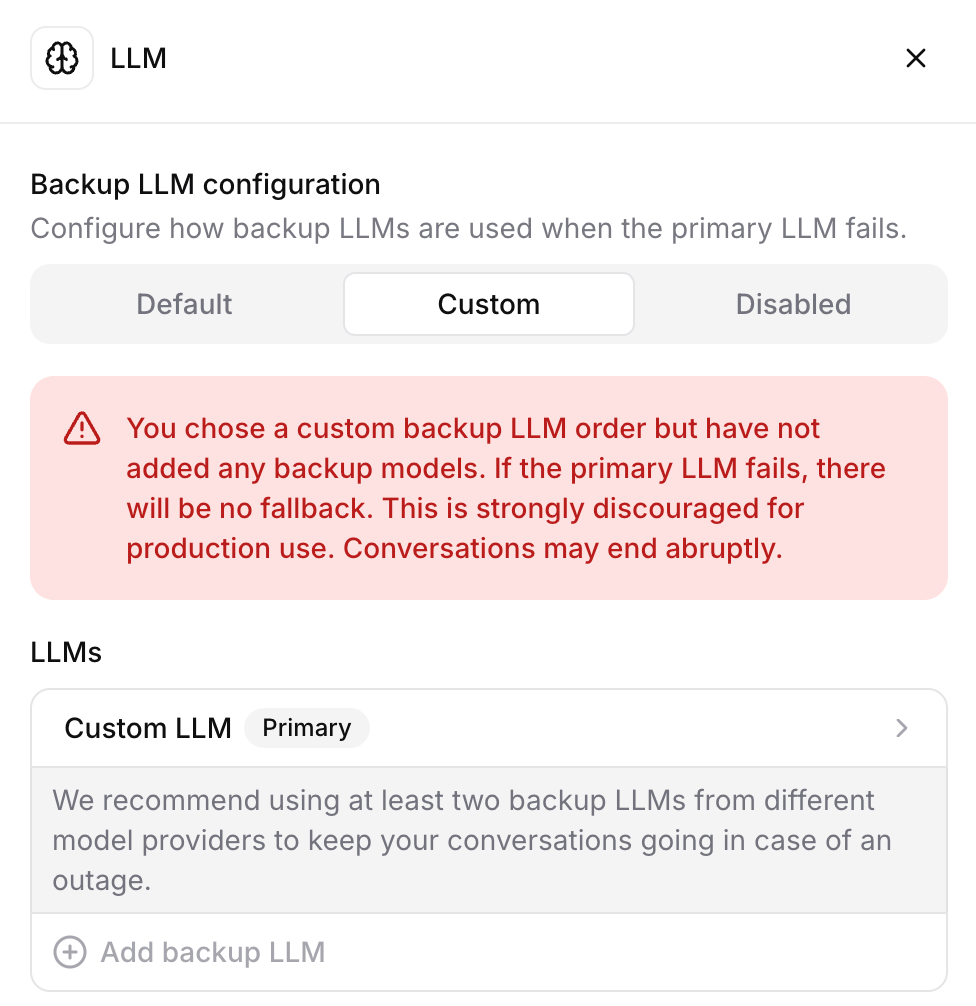
3
Point the agent at SambaCloud
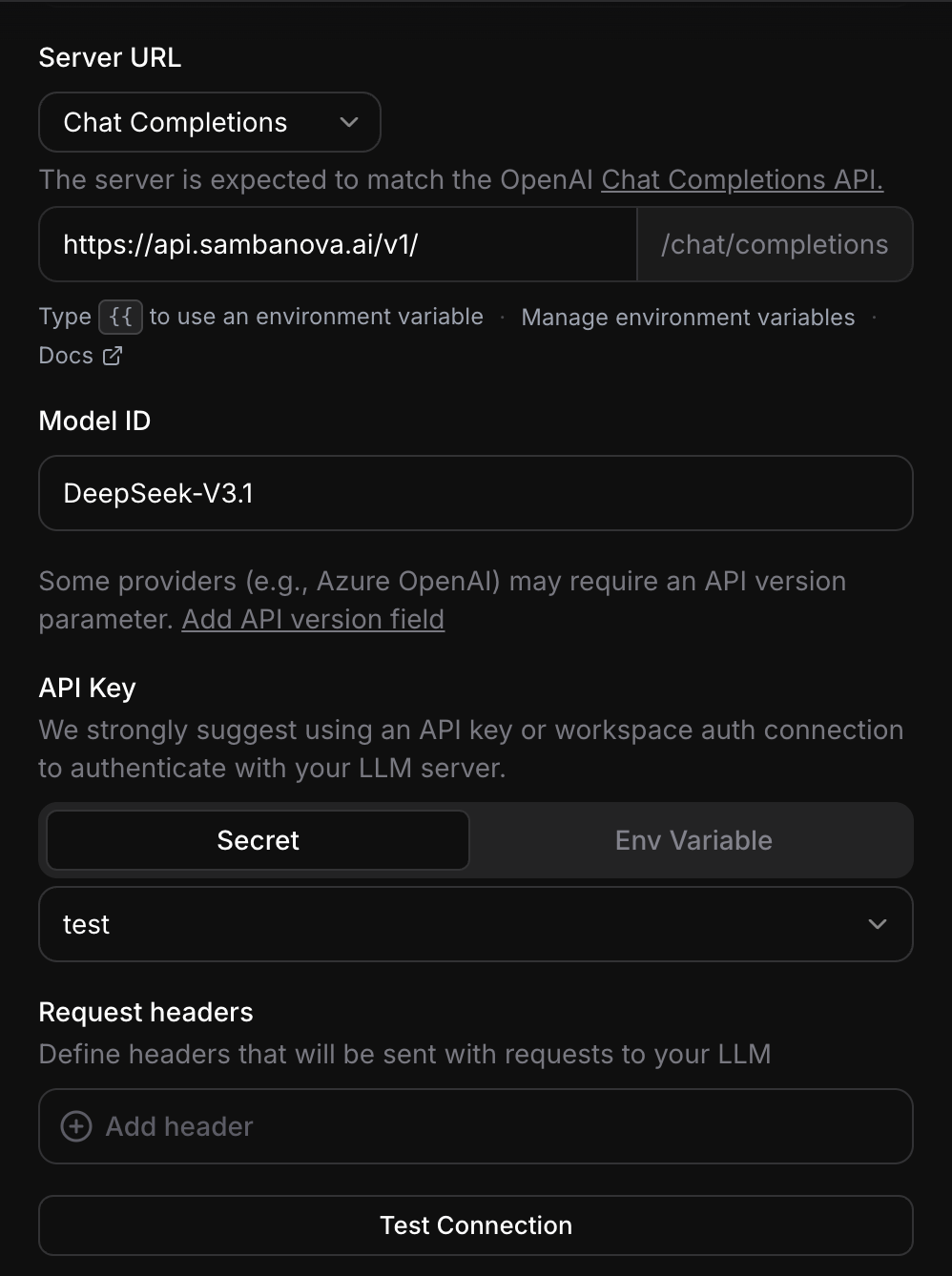
In the Custom LLM panel, fill in the SambaNova details: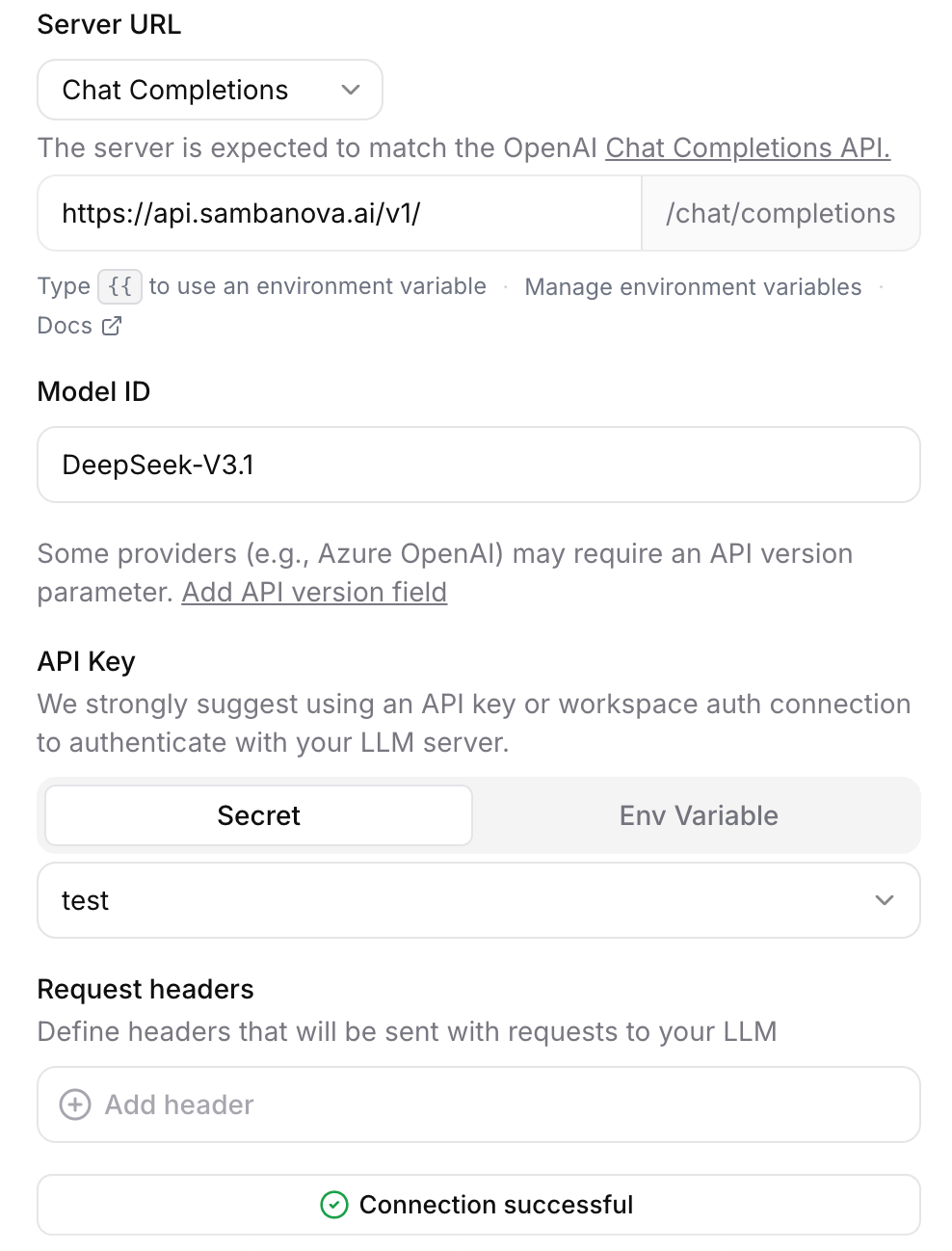
- Server URL: select Chat Completions and enter
https://api.sambanova.ai/v1/(ElevenLabs appends/chat/completionsautomatically). - Model ID: enter a SambaCloud model (for example,
DeepSeek-V3.1). - API Key: select Secret, then add your SambaCloud API key as a workspace secret and select it from the dropdown.
- Max tokens (optional): in the Limit token usage section, set maximum tokens to
1024for optimal conversational response length.
4
Preview and chat with your agent
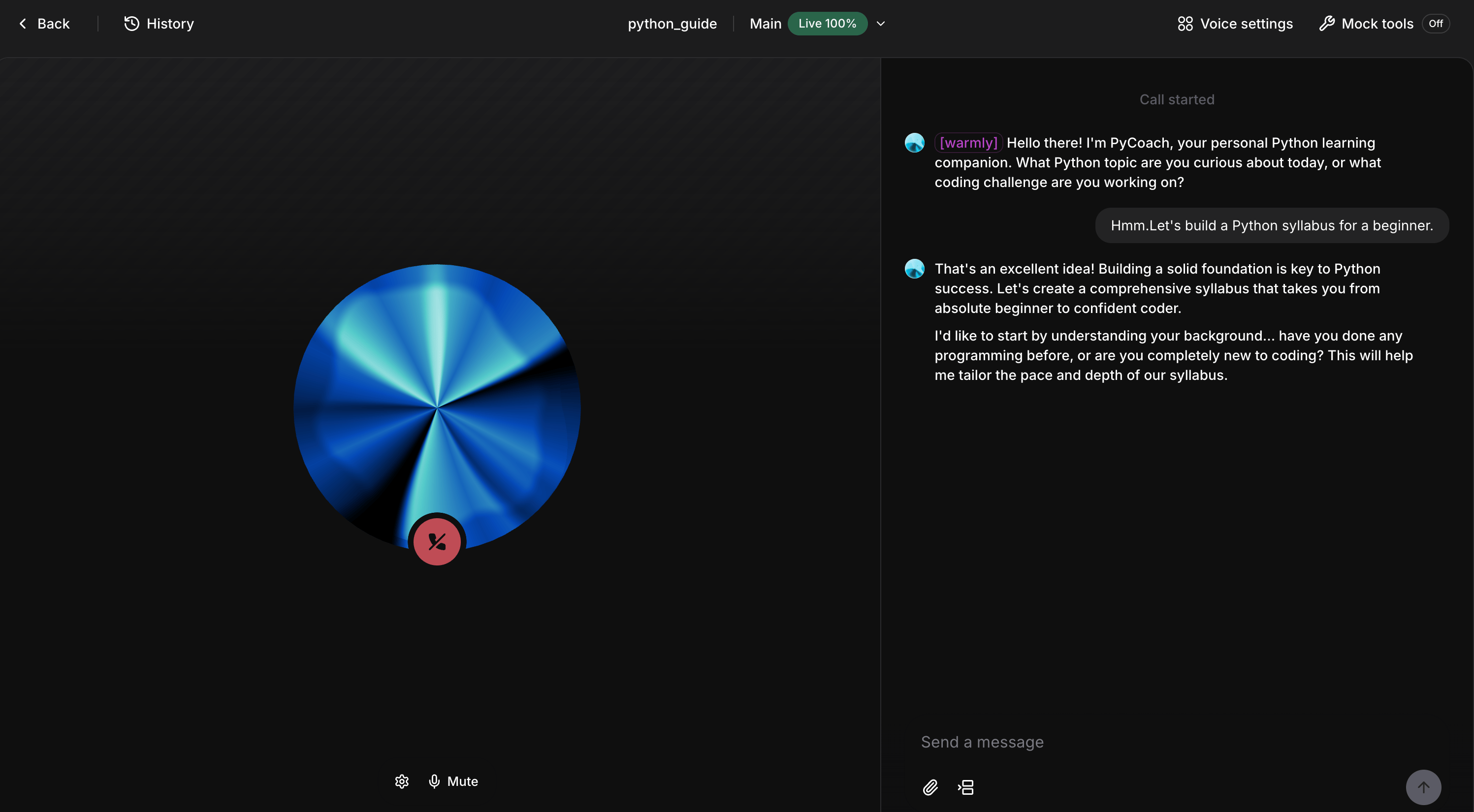
Click Test AI agent → Call AI agent to launch a live preview. Talk to the agent and confirm it responds in real time.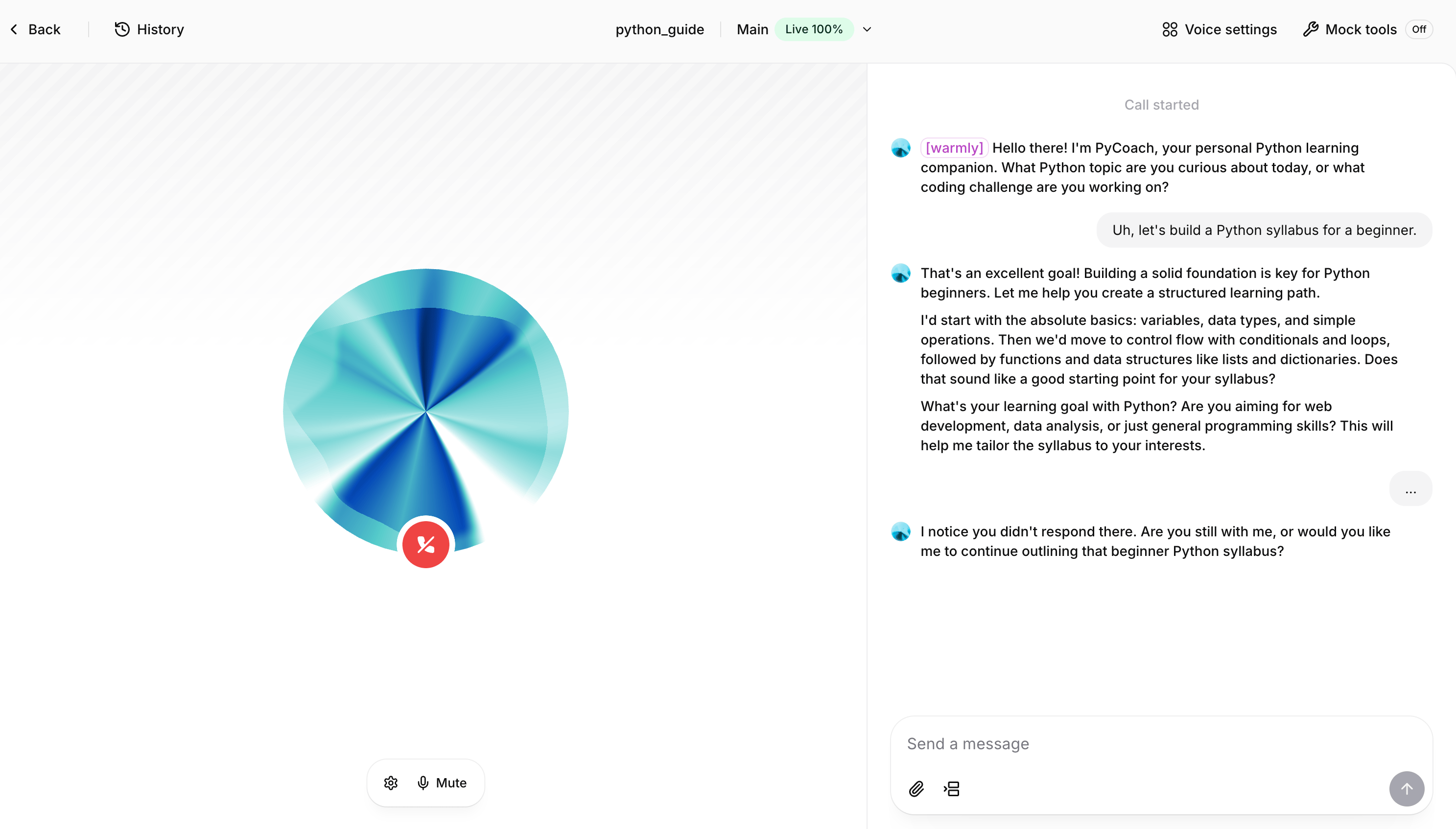
5
Verify the calls route through SambaCloud
To confirm your agent is hitting SambaNova:
- Open the SambaCloud Console and go to Usage (or Dashboard → Usage).
- Filter by the API key you added to ElevenLabs and narrow the time window to the last hour.
- Note the current Requests count.
- Run a 1–2 turn test call in ElevenLabs.
- Refresh the Usage page — the counter should increment by the number of model turns.
Troubleshooting
Connection failed or API key error
Connection failed or API key error
- Verify your SambaCloud API key is correct and active in the SambaCloud portal
- Confirm the Server URL is
https://api.sambanova.ai/v1/(trailing slash required) - Re-enter the secret in ElevenLabs and click Save
Model not responding or invalid model ID
Model not responding or invalid model ID
- Check the model ID matches a valid model from the SambaCloud models page
- Confirm your SambaCloud account is active
Usage counter not incrementing
Usage counter not incrementing
- Confirm the correct API key is selected in ElevenLabs
- Wait 1–2 minutes and refresh the Usage page
- Check the ElevenLabs agent logs for errors