

sambanova_gradio.registry, which facilitates seamless connections to various models. The registry function accepts a model ID as the name parameter. Executing the script automatically generates an application interface using the specified model.
For implementation details and additional configurations, see the sambanova-gradio GitHub repository.
Prerequisites
- A SambaCloud account
- A SambaNova API key
Installation
Follow these steps to integrate SambaNova models with Gradio.1
Install the sambanova-gradio package
2
Set your SambaNova API key
Create a Gradio interface
Use thesambanova_gradio.registry function to build and launch your Gradio application, as shown below.
Running this Python script will launch a Gradio interface connected to the Meta-Llama-3.3-70B-Instruct model.
Customize your interface
You can personalize the interface by modifying the model, input/output components, and additional settings togr.Interface, as shown below.
Example screenshot
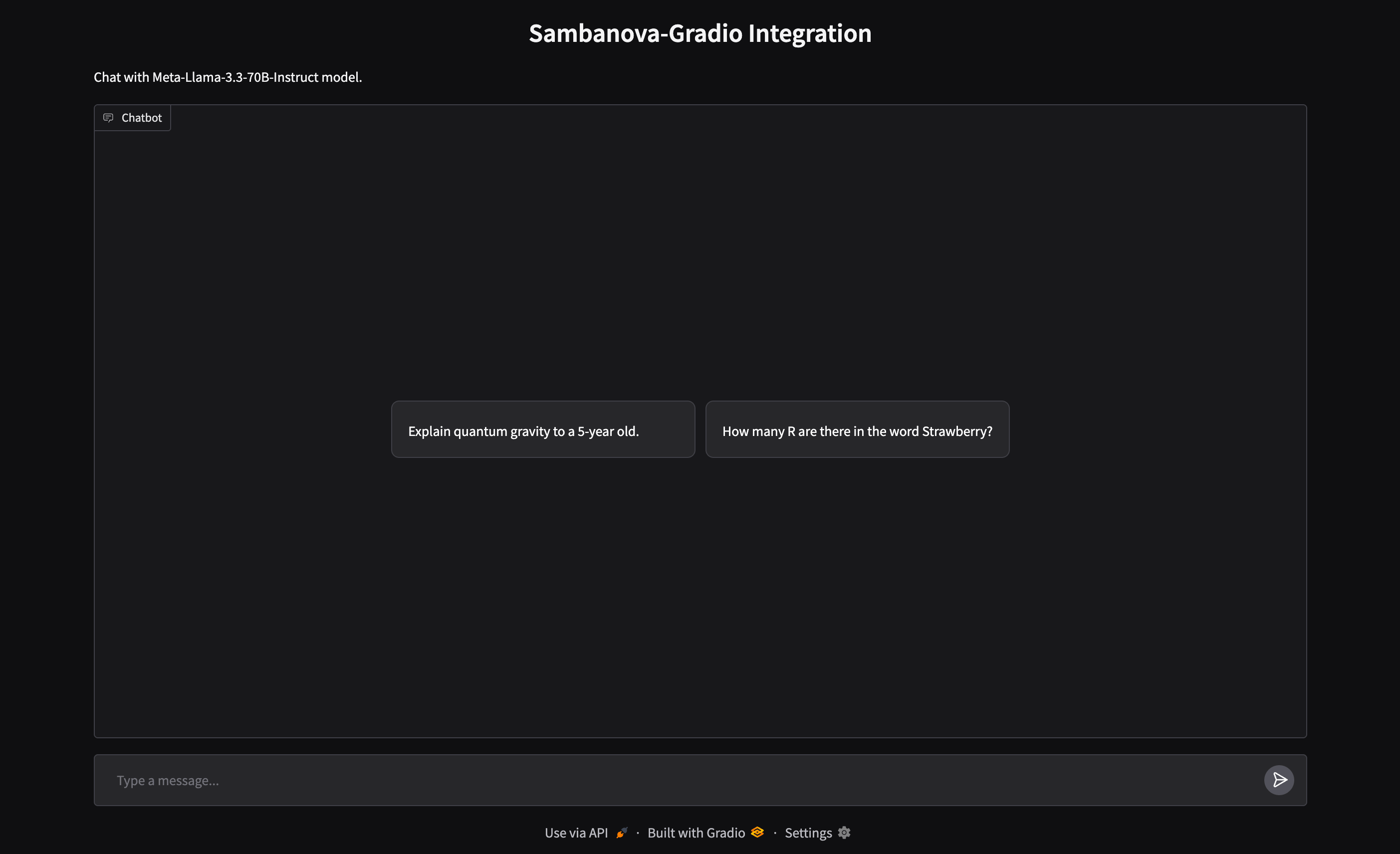
The following interface was generated using the above code snippet.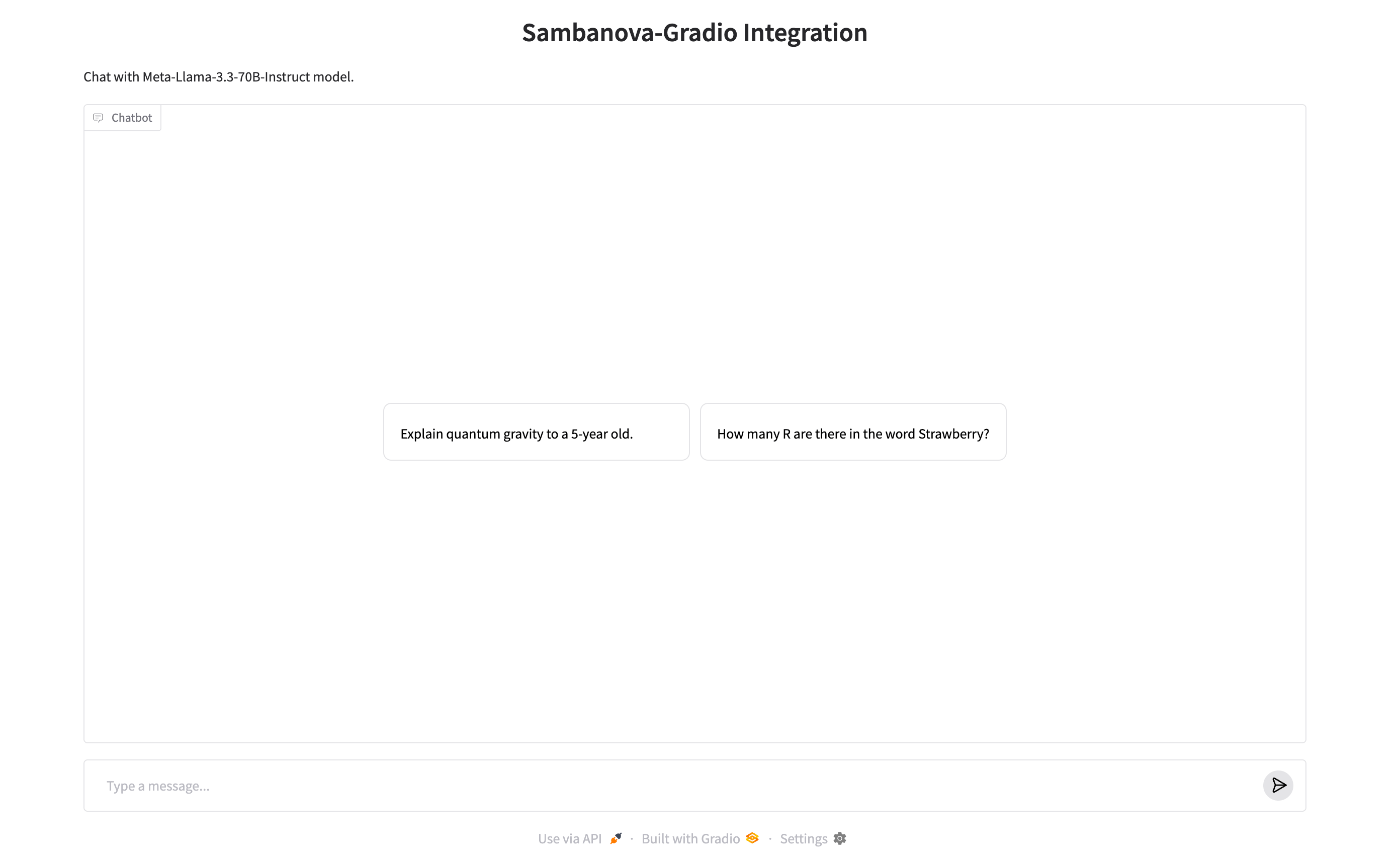
Troubleshooting
ModuleNotFoundError: No module named 'sambanova_gradio'
ModuleNotFoundError: No module named 'sambanova_gradio'
Package not installed or installed in wrong environment. Run
pip install sambanova-gradio and verify with pip show sambanova-gradio.Model not found or invalid model ID
Model not found or invalid model ID
Check the model ID is correct. See available models for valid IDs.